
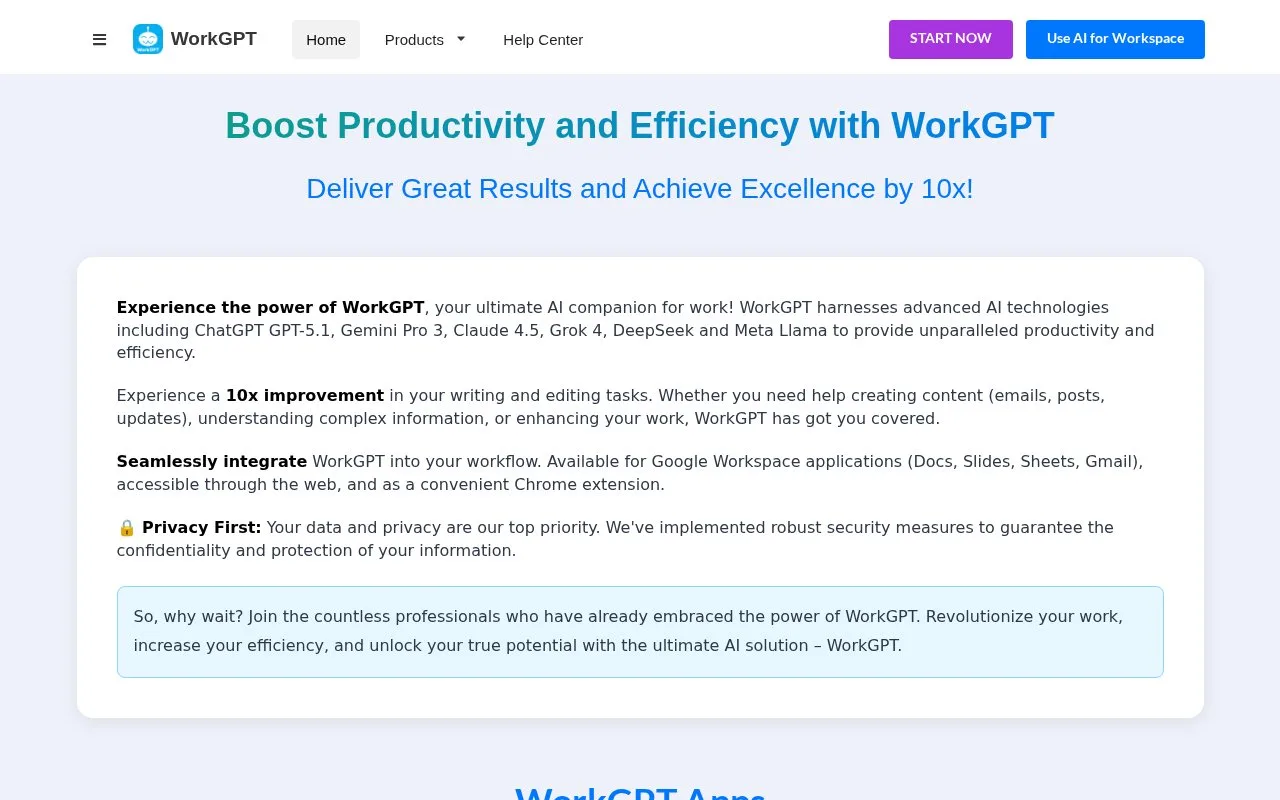
WorkGPT is an AI assistant for writing and editing tasks. It runs inside Google Docs, Slides, Sheets and Gmail, as a web app in the browser, and as a Chrome extension. You can use it to fix grammar, rewrite text in a chosen tone, shorten or bulletize a draft, reply to email, translate, summarize, and draft posts, scripts, images or slide content.
Written from our directory record because the site could not be read automatically, and checked against that record on .
Our take
The appeal is staying in the document or inbox you already have open instead of pasting text into a separate chatbot. That fits people who write emails, notes and social posts through the day and want quick edits nearby. The catalogue record is thin on how the tone rewrites and summaries actually turn out, so a few real drafts are the sensible first check.
Features
-
Tone rewriting
Rewrites a passage in tones such as professional or friendly, and can also elaborate, shorten, bulletize or reformat it.
-
Email and message replies
Drafts replies to emails and questions, and writes notes and posts.
-
Content and script drafting
Generates SEO content, LinkedIn or Facebook posts, and YouTube or TikTok scripts from a prompt.
-
Summaries and translation
Summarizes, translates and explains text you give it.
Best for
- People writing and editing work documents and emails
- Marketers drafting social posts and SEO content
- Anyone summarizing or translating text regularly
- Teams already working in Google Workspace or Chrome
FAQ
- What is WorkGPT used for?
- It handles writing and editing tasks: grammar and spelling fixes, tone rewrites, shortening, summaries, translation, email replies, notes, social posts, scripts, images and slide content.
- Can I give WorkGPT my own instructions?
- Yes. The site says it accepts freeform prompts alongside the preset tasks.
Sources
- www.workgpt.aiworksuite.com/ (opens in a new tab) Catalogue record describing the tool's surfaces, tasks and features