
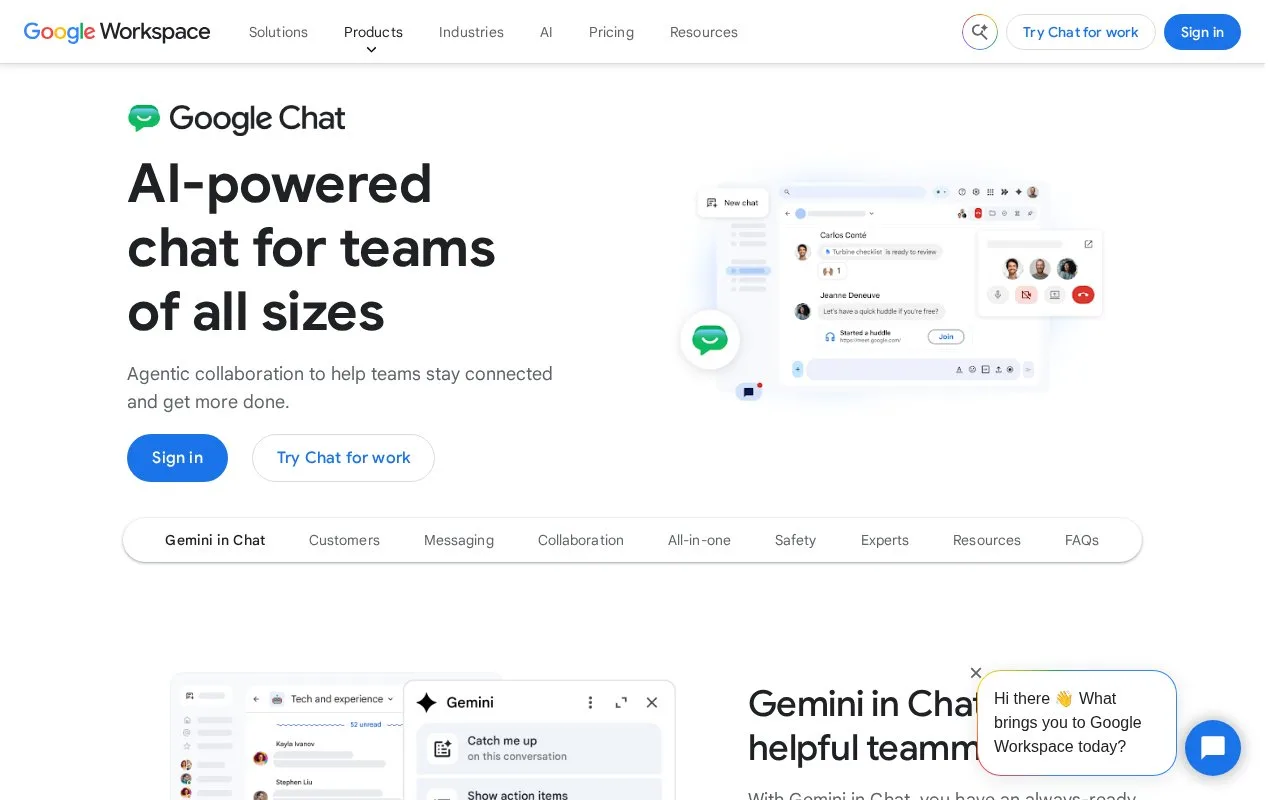
What it does
Google Chat supports direct messages and Spaces for group communication around a project or shared topic. Space members can post in a main conversation or reply in a separate thread; spaces can also hold shared files, tasks, and apps. The product is integrated into Google Workspace, and its help pages describe both personal and work or school account use, with some space types restricted to organizational accounts.
A project team can create a Space for a shared workstream, put general updates in its main conversation, and reply in a thread when one message needs a deeper exchange. Google’s Help Center describes following or unfollowing threads and changing thread notifications. It also documents tasks, files, and apps within spaces, which can keep routine coordination close to the discussion.
Choose the type of space deliberately. Collaboration spaces are available to personal, work, or school accounts, but announcement spaces are limited to work or school accounts and cannot be converted to another type after creation. The product page was opened, as were the official Help Center pages; exact current pricing and Workspace plan restrictions were not established in this research.
Strengths
- Spaces organize discussion around a topic, project, or shared interest.
- Threads can be followed or muted independently from the main conversation.
- Spaces can combine messages with files, tasks, and apps.
Watch out for
- Announcement spaces require a work or school account and cannot be changed to a different space type after creation.
Best for
- Teams already coordinating work in Google Workspace
- Groups that need to separate detailed thread replies from the main space conversation
Sources
- Google Chat with Gemini for Messaging and Team Collaboration | Google Workspace (Oct 25, 2026)
- Learn about spaces - Google Chat Help (Oct 25, 2026)
- Use threads in Chat - Computer - Google Chat Help (Oct 25, 2026)