
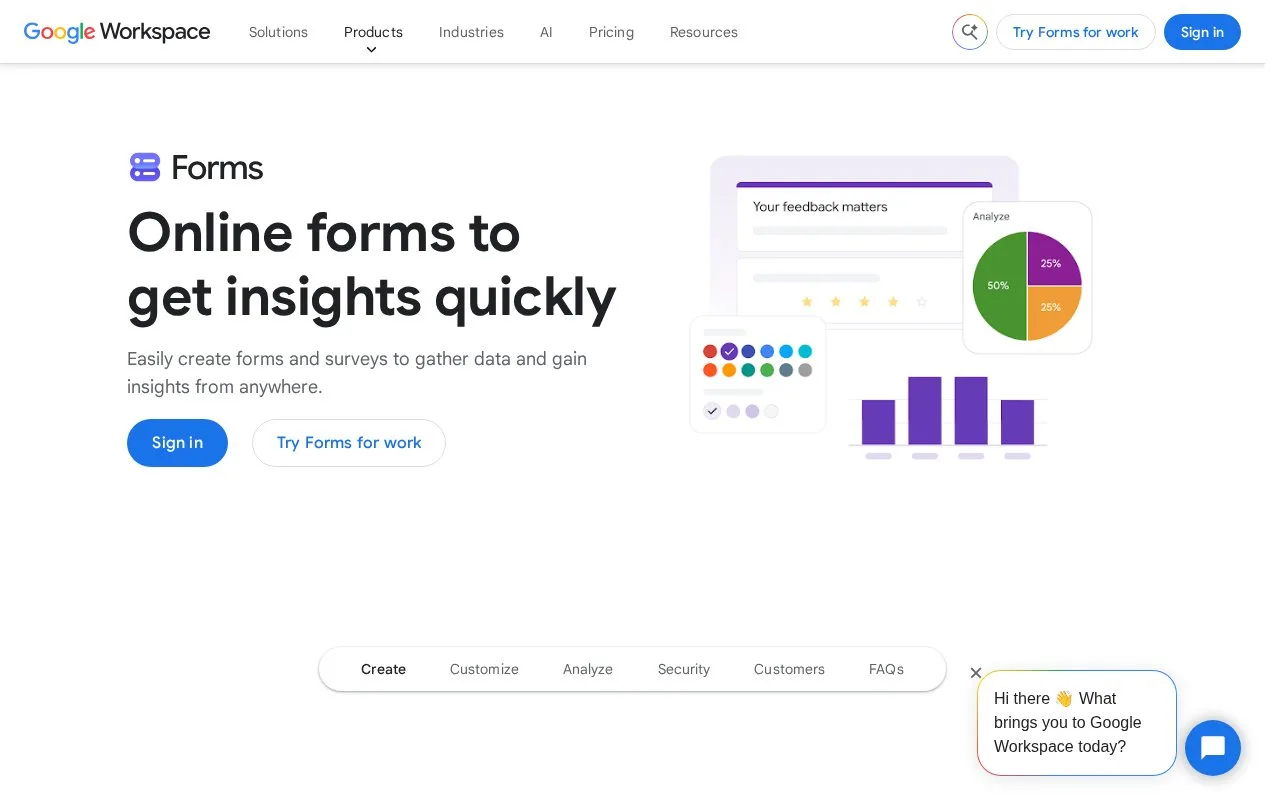
What it does
Google Forms builds surveys and quizzes with answer-dependent sections, response validation and shared editing. Responses appear in charts and can be connected to Google Sheets for further analysis. Personal use is free with a Google account; Forms is also included in paid Google Workspace subscriptions.
Show the questions that apply
For answer-dependent Google Forms questions, divide the questionnaire into sections. On a Multiple choice or Dropdown question, use the question's More menu and select Go to section based on answer. Each answer can then lead to the relevant section or submit the form.
For an operational incident report, that means people reporting an exception see its detail section, while routine reports can finish earlier. The control is limited to those two question types. Collaborators can build the form together, and responses can move into Google Sheets for sorting or further analysis.
Free access and shared work
Open Go to Forms and sign in with your Google account to create a form. Personal access is free. Paid Workspace subscriptions add organization-wide account administration and other bundled services.
Forms can validate answers such as email addresses or numbers within a chosen range. Share the questionnaire by link or embed it in a website, and invite collaborators when several people need to maintain it.
Strengths
- Responses connect with Google Sheets
- Collaborative editing and answer-dependent question logic
Watch out for
- Answer-based section routing is limited to Multiple choice and Dropdown questions
Best for
- Teams collecting recurring structured operational reports
Sources
- Google Forms online form builder (Oct 27, 2026)
- Google Forms personal and Workspace access (Oct 27, 2026)
- Show questions based on answers (Oct 27, 2026)