
- SI Score
- 80/100
- Pricing
- Not confirmed
- Free plan
- Not confirmed
- Sign-up required
- Not confirmed
Ask SI about Xnapper
Answers use saved listing facts and recorded sources.Homepage screenshot
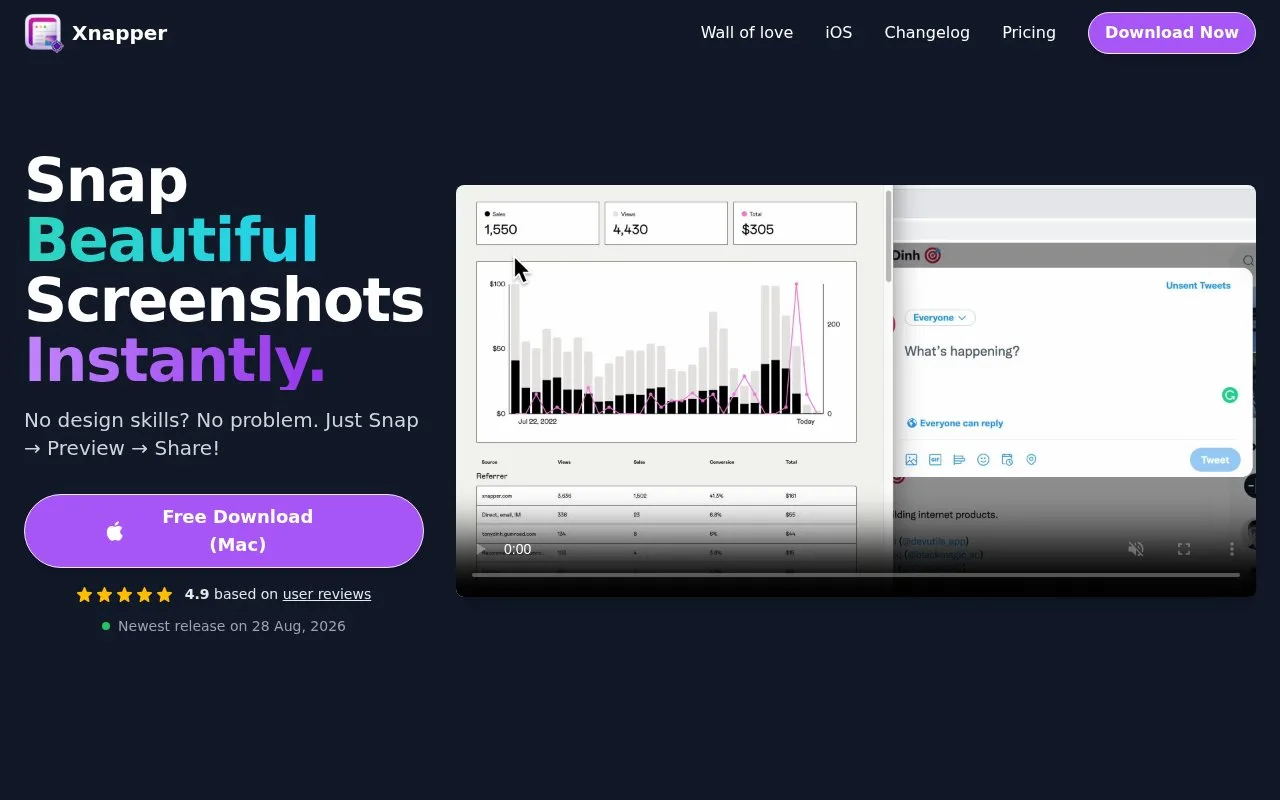
What it does
Xnapper is a native macOS screenshot app. It captures a screenshot and automatically balances it, applies a background colour or image, and can hide sensitive details such as emails, credit cards, IP addresses and API keys with one click. Built in macOS text recognition lets you select and copy text from a capture. Other features include a global shortcut, window capture, arrows, shapes, text, blur, screenshot history, opening from file or clipboard, social media sizes, presets and image compression. It is free to use, with a one time payment to remove the watermark.
The site offers a direct Mac download (Xnapper-1.18.1-71.dmg), a pricing page, a changelog, a wall of love page and a press kit. Contact is by email at [email protected]. Separate pages cover an iOS version, a screenshot editor and free tools such as a Twitter video downloader, Twitter GIF downloader and Instagram caption generator. Cloud upload is listed as coming soon.