
What it does
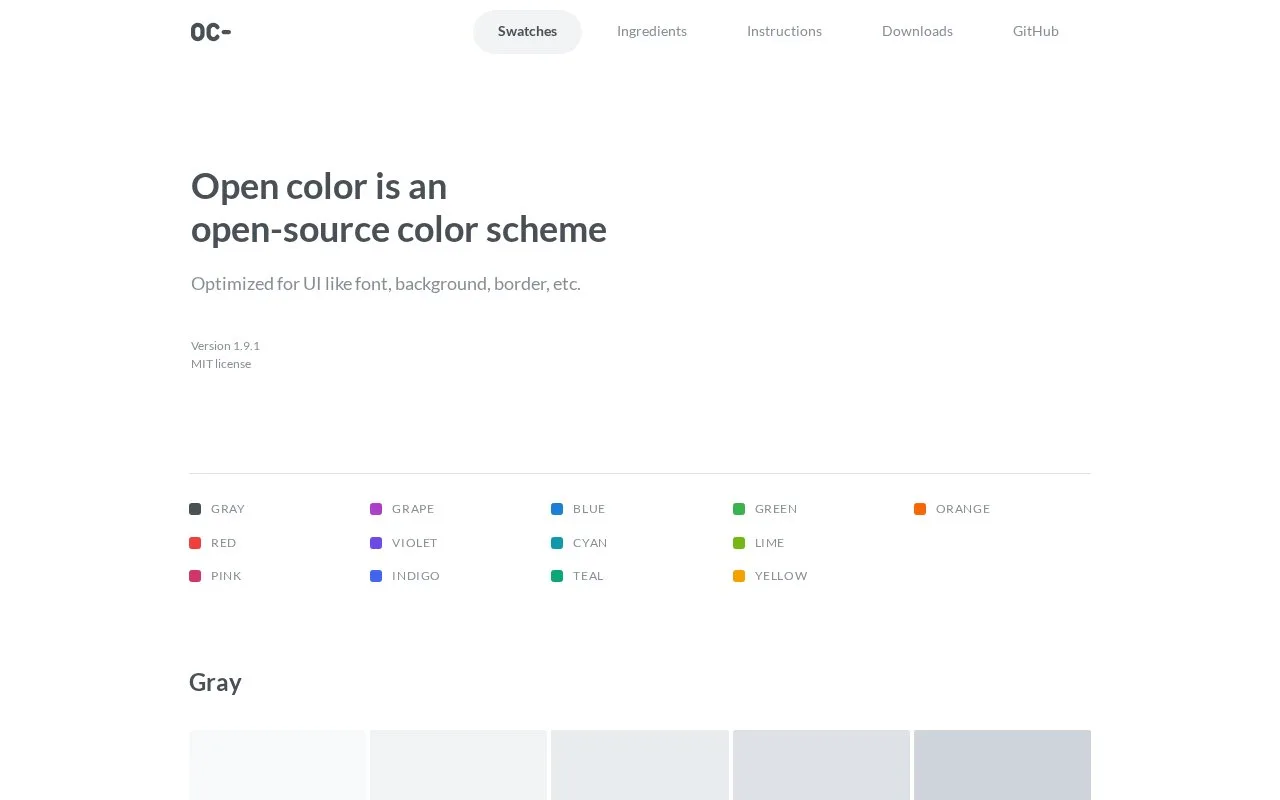
Open Color provides a prepared interface palette with ten numbered levels per colour. CSS variables, preprocessor files and downloadable swatches connect the same palette to design and development tools.
Browse a colour family and choose a level from 0 to 9. Install open-color or import its stylesheet, then reference names such as --oc-gray-0 in backgrounds, text and borders.
The documentation shows normal, hover and focus styling and provides equivalent variable conventions for Sass, Less and Stylus. Downloads include Photoshop, Illustrator, Sketch and Inkscape palette formats.
The grey guide treats the scale as design guidance. Its steps are not equally spaced because different brightness levels serve different interface roles. For example, it suggests Gray 7 or 8 for body text and lighter levels for backgrounds.
The maintainers warn that values may change and advise against using the palette as a main brand identity colour. Open Color is MIT licensed.
Strengths
- Shared colour names make design swatches and stylesheet values easier to coordinate.
Watch out for
- Palette values can change, so the maintainers discourage relying on them as a primary brand colour.
Best for
- Teams choosing a reusable interface palette
Sources
- Open Color installation and variable conventions (Oct 27, 2026)
- Open Color grey usage guide (Oct 27, 2026)
- Open Color source and maintenance notes (Oct 27, 2026)
- Open Color MIT licence (Oct 27, 2026)