
What it does
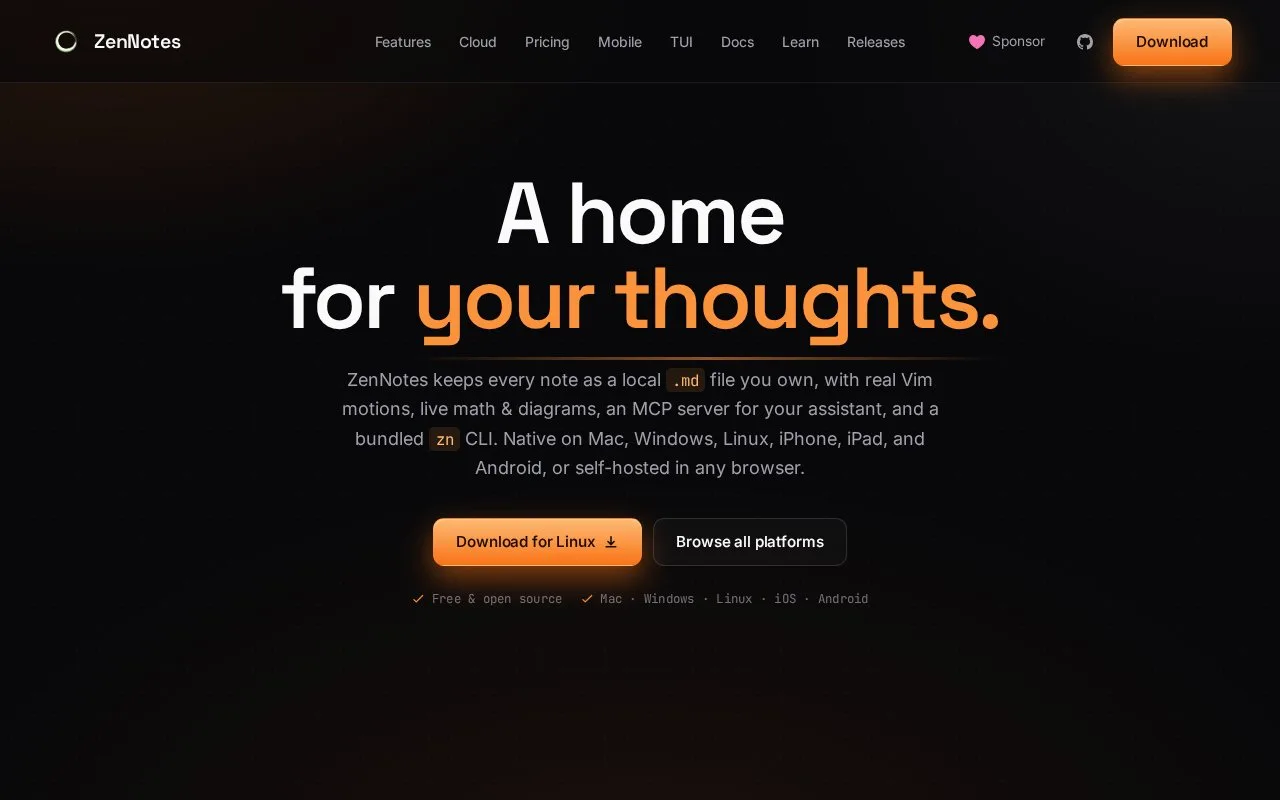
ZenNotes is a free, open-source Markdown notes app that stores notes as files in user-owned vaults. The official pages describe desktop and mobile apps, daily notes, tags, backlinks, full-text search, tasks, diagrams, publishing, and a terminal interface. The free app supports local and iCloud vaults and can be self-hosted; a separate Cloud plan adds cross-device synchronization and daily backups.
Keep a plain-file vault and add sync only if you need it
ZenNotes treats a vault as a folder of Markdown files, with wiki links, daily notes, tags, backlinks, and full-text search layered over those files. Its documentation also describes task lists, math and diagrams, a terminal interface, and options to self-host the web app. This file-based model gives users more freedom to open their notes in other tools, while the many modes and features make it more involved than a basic text notepad.
The pricing page says the app is free forever and lists local/iCloud vaults, desktop and mobile apps, and self-hosting; paid Cloud adds synchronization and daily backups. The release archive lists v2.76.0 on 2026-10-23, with fixes to task dates and cloud conflict handling. The official documentation covers editor, cloud, and app setup. I did not install ZenNotes, create a vault, self-host the web version, or test Cloud sync or publishing.
Strengths
- Plain Markdown files and local or iCloud vaults keep the note collection in an accessible file format.
- Daily notes, backlinks, search, tags, tasks, and diagrams provide several ways to organize and revisit material.
- The free app is available across desktop and mobile platforms, with optional paid Cloud sync.
Watch out for
- Cross-device sync and daily backups are listed under the separate Cloud plan; the free app's local vaults need their own backup approach.
Best for
- People who want a local Markdown vault with daily notes and linked references
- Power users who value a terminal interface, keyboard navigation, and optional self-hosting
Sources
- ZenNotes | Markdown notes, sync, backups, and publishing (Oct 25, 2026)
- ZenNotes Cloud Pricing (Oct 25, 2026)
- ZenNotes Documentation (Oct 25, 2026)
- ZenNotes Release Archive (Oct 25, 2026)
- ZenNotes | Official Repository (Oct 25, 2026)