
What it does
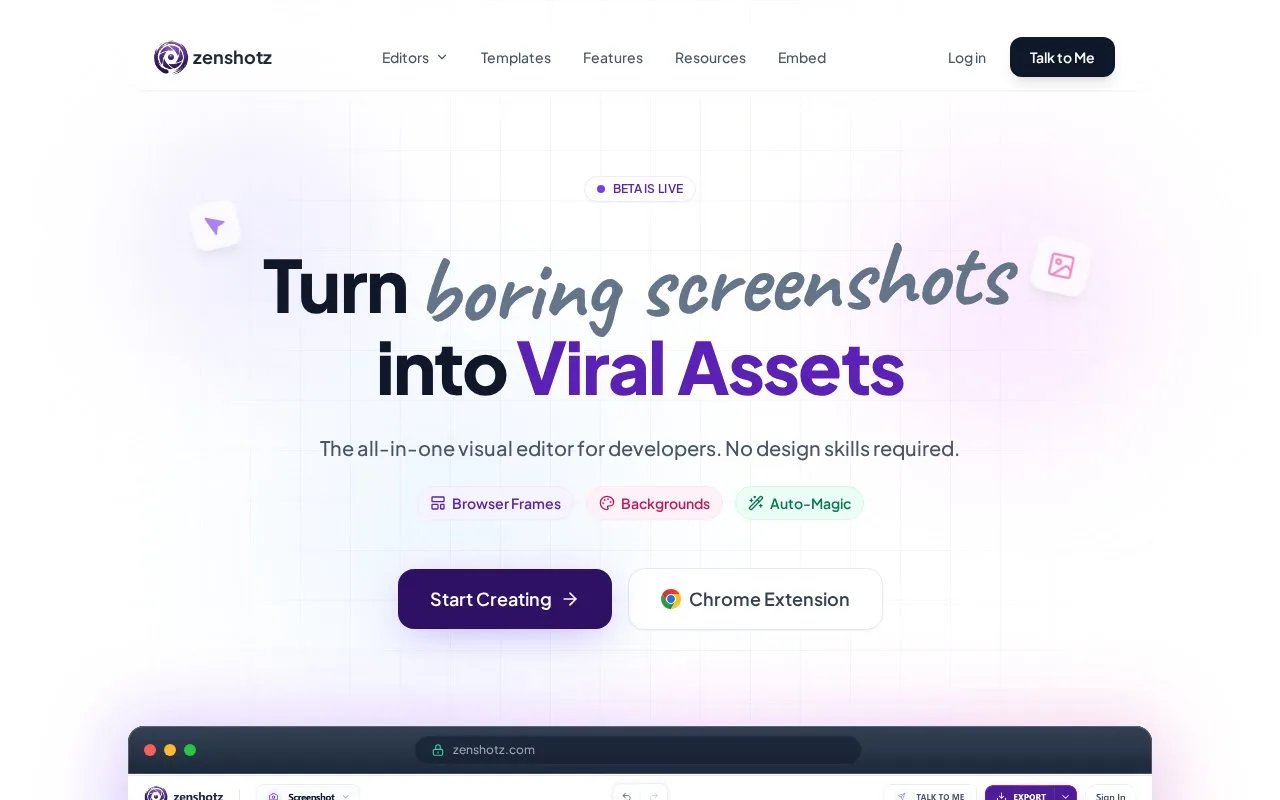
Zenshotz provides screenshot styling, device mockups, code images and social-post cards for developer release graphics. Its browser editor offers templates, shadows, backgrounds, automatic cropping and adjustable device angles. PNG, JPG and SVG exports include scale choices for different presentation sizes.
Open a screenshot template or drag a capture into the screenshot editor. Add a browser frame, choose a background and use the crop control to isolate the relevant interface. The export choices include PNG, JPG and SVG, with 1x, 2x and 4x scale options.
App Showcase supplies phone, tablet and computer frames, including adjustable angles for a perspective view. Code images have syntax-highlighting themes, so a release post can include an interface capture and a styled code example. Templates cover these different content types.
The tweet-card workflow accepts a Twitter/X URL and allows changes to fonts, colours, profile details and metrics. Those editable cards are designed presentation assets, so retain the original post when factual attribution matters. The separate Chrome extension captures a screenshot on request and processes it locally; its temporary screenshot storage lasts until the editor closes.
Strengths
- Combines screenshot, code and device presentation tools.
- Provides templates, crop controls and adjustable device perspectives.
Best for
- Developers assembling a coordinated set of release-post visuals.
Sources
- Zenshotz - Free Screenshot Beautifier & Mockup Generator (Oct 27, 2026)
- Privacy Policy | Zenshotz (Oct 27, 2026)
- Screenshot Editor - Add Browser Frames & Mockups | Zenshotz (Oct 27, 2026)
- Developer API & Embed Widget - Integrate Zenshotz | Zenshotz (Oct 27, 2026)
- App Showcase - Device Frame Mockups | iPhone, MacBook, iPad | Zenshotz (Oct 27, 2026)