
What it does
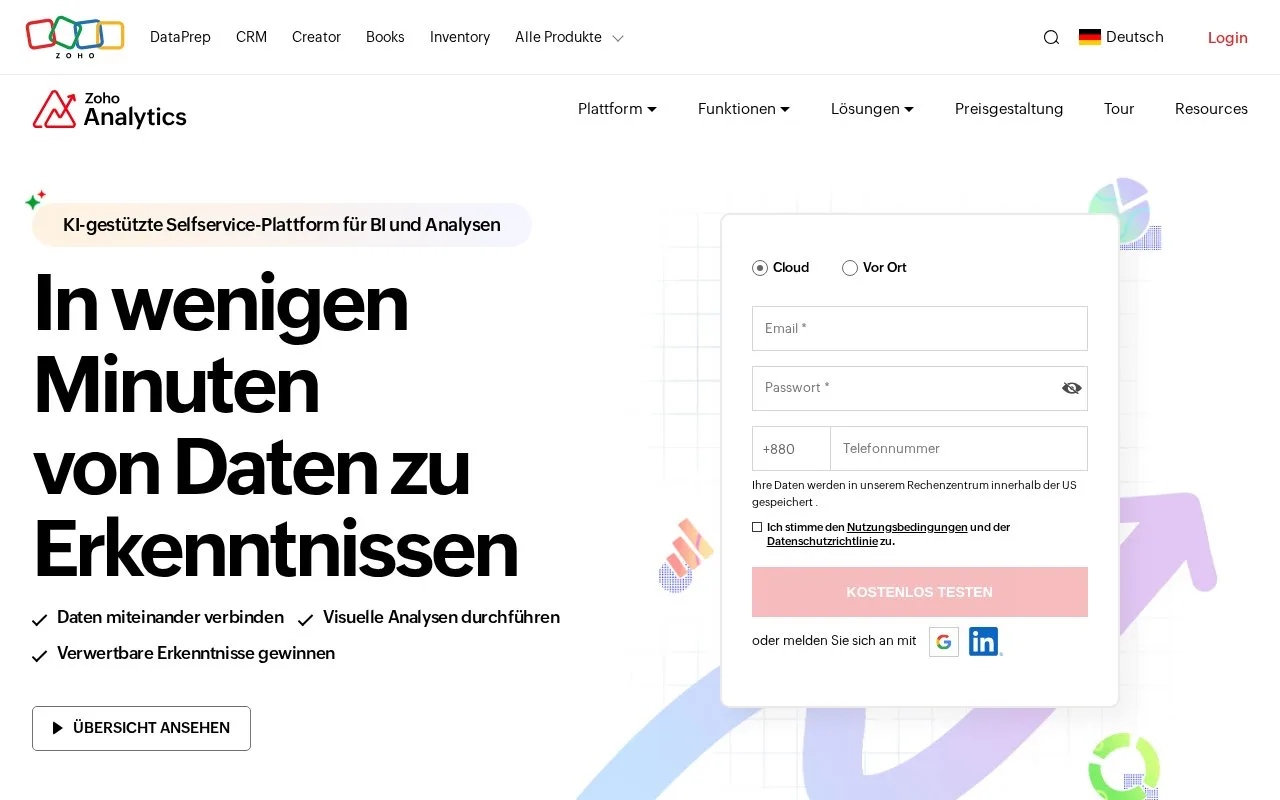
Zoho Analytics combines business-data connectors, preparation pipelines, reports, dashboards and analytical assistants. It supports imported or live-connected data, sharing and embedded analytical applications.
Zoho Analytics connects business data to preparation tools, reports and dashboards. Its permanent Free plan supports two users, five workspaces and 10,000 stored rows, with three scheduled URL imports and three SQL Query Tables.
To turn an existing table into a chart, open Create > Chart View in the workspace and select the base table. Drag columns into the X and Y axes and, if useful, the color field. Check the aggregation: numeric measures initially use Sum, while dates can start at Year. Change those settings when the chart needs an average or a month-by-month result. Select Save, give the report a name and folder, then confirm.
| Paid plan | Included users | Stored rows |
|---|---|---|
| Basic | 2 | 500,000 |
| Standard | 5 | 1 million |
| Premium | 15 | 5 million |
| Enterprise | 50 | 50 million |
The paid trial lasts 15 days and automatically returns to Free if no plan is purchased. Existing data remains accessible, but an account above the free row limit cannot add rows. API access requires a paid plan and has a daily unit allowance. Private sharing uses colleagues' registered Zoho accounts.
Strengths
- Combines preparation, analysis and reporting across several business data sources.
- Provides a permanent free plan for small reporting workloads.
Watch out for
- The free plan has limited users, rows, scheduled imports and query tables.
- API access requires a paid plan and has a daily unit allowance.
Best for
- Business teams preparing a defined dataset for shared analytical reporting
Sources
- Zoho Analytics paid user and row allowances (Oct 27, 2026)
- Zoho Analytics free limits, account access and paid API units (Oct 27, 2026)
- Zoho Analytics chart creation and aggregation controls (Oct 27, 2026)
- Data Analytics Software & AI-Powered BI Platform - Zoho Analytics (Oct 25, 2026)