
What it does
Zoho Social helps businesses and agencies publish posts, monitor conversations and review social results. CustomQ sets a shared posting timetable, while SmartQ suggests times from engagement history. Its permanent Free plan supports immediate publishing to six channels for one brand and one user, but does not schedule posts.
Zoho Social has two different queue ideas. An administrator creates CustomQ slots as the brand's timetable; a team member adding a post uses the next available slot. SmartQ instead suggests times from engagement history on supported channels. A school or local organization with a fixed weekly routine may prefer an agreed timetable over a changing suggestion.
There is a useful maintenance detail: changing or deleting a CustomQ slot does not move posts already queued into it. Those posts need their own review after a timetable change. Manually scheduled posts can also overlap a queue slot, so using a queue does not reserve every time in the wider calendar.
Premium also connects social activity with Zoho CRM and Zoho Desk for sales or support follow-up.
For CustomQ, a Brand or Portal Admin opens Settings, Publishing and Queue Settings, then adds the week's slots. In New Post, a team member chooses Queues, selects CustomQ and uses Add to CustomQ for the next slot. A brand can have up to 25 slots per day.
| Plan | Included capacity and features |
|---|---|
| Professional | One brand, one user and CustomQ |
| Premium | Three users, SmartQ and approvals |
| Agency | Ten client brands and five team members |
| Agency Plus | Twenty client brands and five team members |
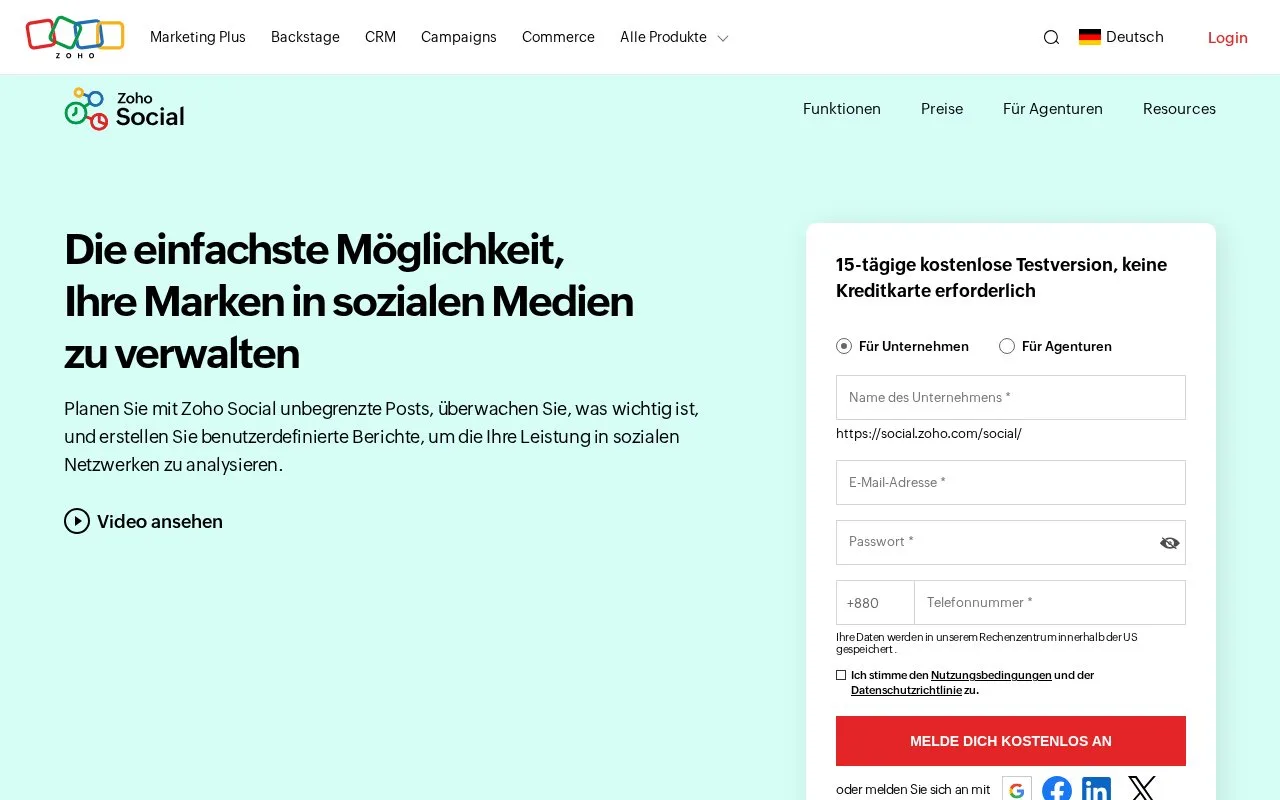
Create an account for the 15-day trial, which lets you switch between editions before choosing a paid plan or the limited Free edition.
Strengths
- Admin-defined queues give a team a shared publishing timetable
- Monitoring and reporting connect planned content with audience response
Watch out for
- Queue-setting changes do not reschedule posts already queued
- CustomQ is excluded from Standard and Free
Best for
- Teams that need a consistent weekly social timetable
Sources
- Social media management software for all businesses - Zoho Social (Oct 25, 2026)
- Zoho Social - Plans and Pricing (Oct 27, 2026)
- Free Plan | Zoho Social (Oct 27, 2026)
- Queues - Frequently Asked Questions (Oct 27, 2026)