
What it does
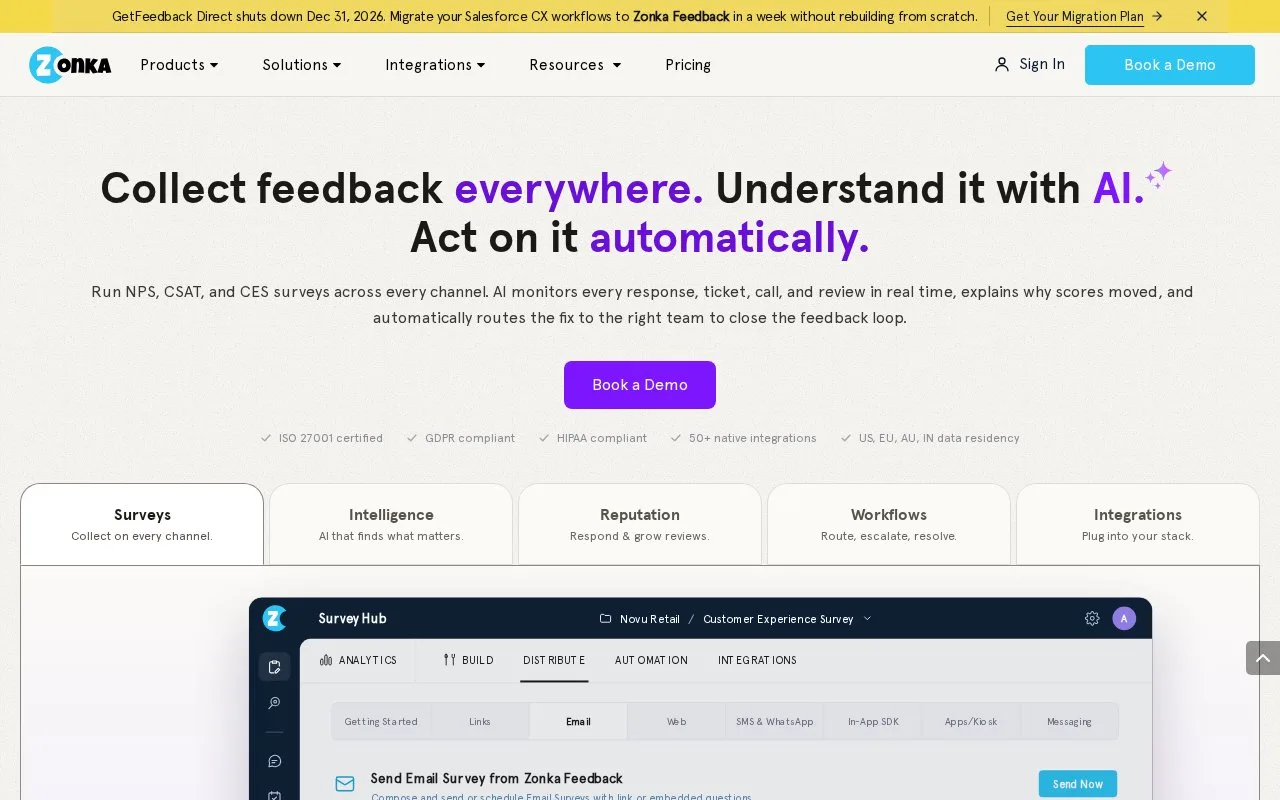
Zonka Feedback collects customer responses across channels and locations, then supports feedback management and analysis. Workflows connect a qualifying answer with a notification, response action or contact action. Feedback collection and AI analysis can be purchased separately or together through a custom quote.
A useful first Zonka Feedback workflow is a follow-up for a low rating at a particular location. Open Automation > Workflows > Add Workflow, choose a template or start from scratch, then select the survey. Choose Responses that Match and use ALL conditions so the rating and location must both qualify. ANY would also catch a response that meets just one of them.
Add an action such as tagging the response or creating a task with an assignee, due date and reminder. The escalation action can pass on a task that remains incomplete after the chosen number of days. Save the action and workflow, then activate the workflow when it is ready to execute.
Email and SMS actions to team members require those recipients to be users in settings; Slack notifications need the Slack integration. For a location manager who only needs low-score alerts, add the manager as a user before enabling the notification action.
Pricing and access
Feedback Management is priced mainly by response volume. AI Feedback Intelligence uses Data Credits, and the two products can be bundled. Request a quote for the collection channels, analysis and integrations you need. The site also offers a 14-day trial.
Account onboarding can include survey and workflow configuration, integration setup and training for different roles. An API, a connection for exchanging data with other software, supports custom integrations.
Strengths
- Trigger filters combine survey answers with location and contact context
- Follow-up tasks can include reminders and an escalation interval
Watch out for
- Email and SMS workflow notifications to staff require those recipients to be added as users
Best for
- Customer experience teams assigning follow-up work from qualifying survey responses
Sources
- Zonka Feedback - AI Customer Feedback & Intelligence Platform (Oct 25, 2026)
- Zonka Feedback pricing (Oct 27, 2026)
- CX Automation with Workflows (Oct 27, 2026)