
What it does
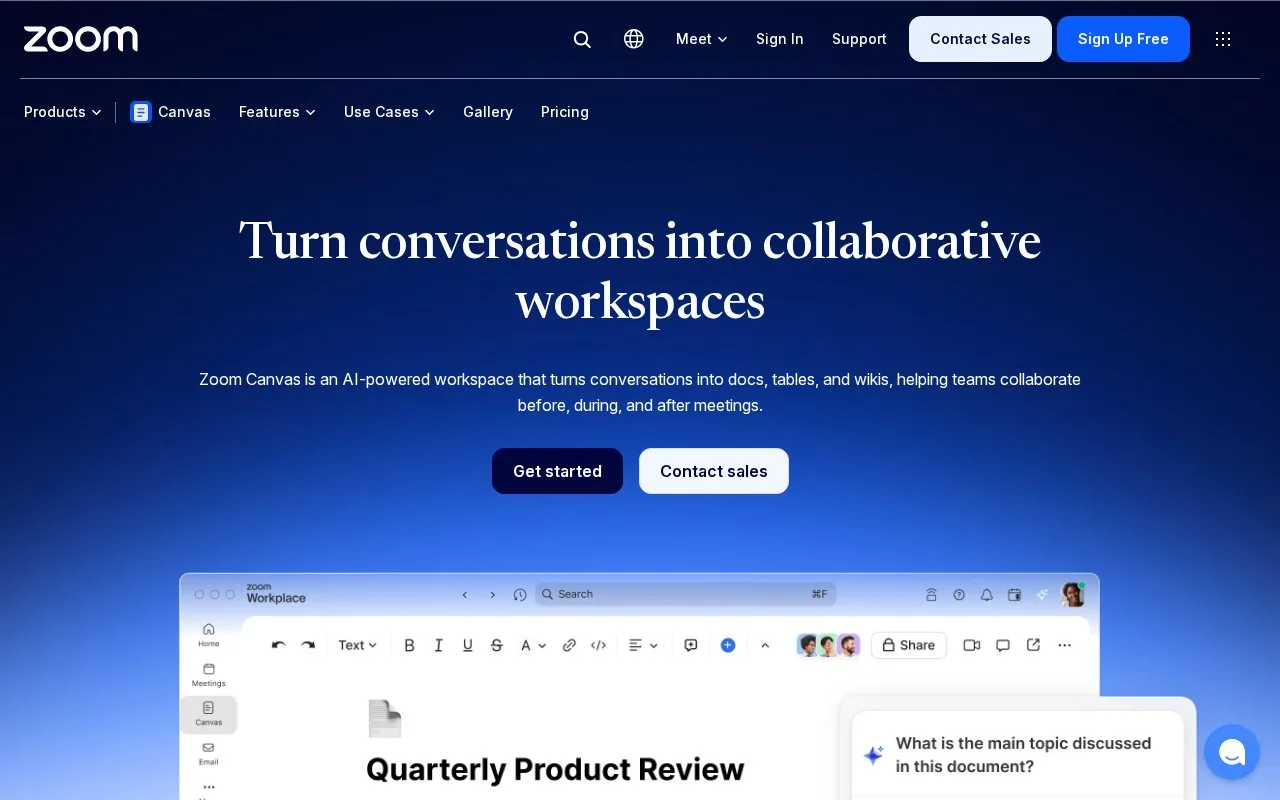
Zoom Canvas is a collaborative workspace for documents, tables, and wikis connected to meetings. Zoom describes using Canvas before, during, and after meetings, with templates, drag-and-drop content blocks, data tables, and options to publish content for teammates or clients. The page also notes that some features depend on subscription or AI-credit availability.
Carry meeting discussion into written follow-up
A team can use Canvas to prepare a meeting page, add discussion notes, and turn the results into a shareable document or data table. Zoom describes templates and drag-and-drop blocks, plus ways to summarize documents and convert discussion points into deliverables. It also frames Canvas as a place to collaborate before, during, and after meetings, which makes it more meeting-oriented than a general-purpose wiki.
Zoom notes that capabilities can depend on subscription, availability, usage limits, and AI credits. Check those conditions before relying on an AI feature for a routine documentation workflow. The product page was read, but no Zoom meeting, document, or publication was created.
Strengths
- Connects meeting-oriented collaboration with shareable documents, wikis, and data tables.
- The vendor describes templates, drag-and-drop blocks, and publishing for colleagues or clients.
Watch out for
- Some features are subject to subscription, availability, usage limits, or AI-credit balances.
Best for
- Teams turning meeting discussions into shared notes, follow-up documents, and lightweight data tables
Sources
- Zoom Canvas: Turn Conversations Into Shareable Docs | Zoom (Oct 25, 2026)